
3.1 The Home And Main Screens
The Home Screen presents the main screen, plus a “What type of experiment do you want to run?” selection box. This box can form a template for your work. It can be changed by a combination of Setup and Chart choices, when using the main screen alone.
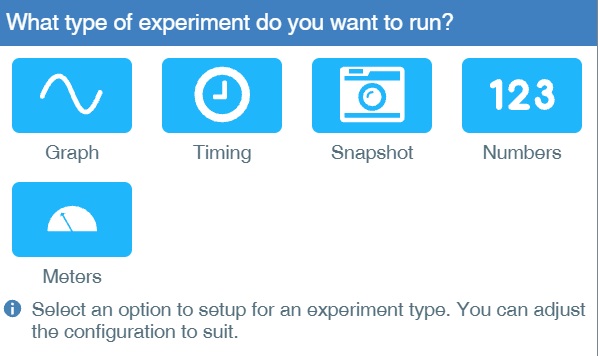
Select an experiment type – it can be re-defined in Setup if needed. Use Devices to organise the sensor(s) connection(s) and usage.
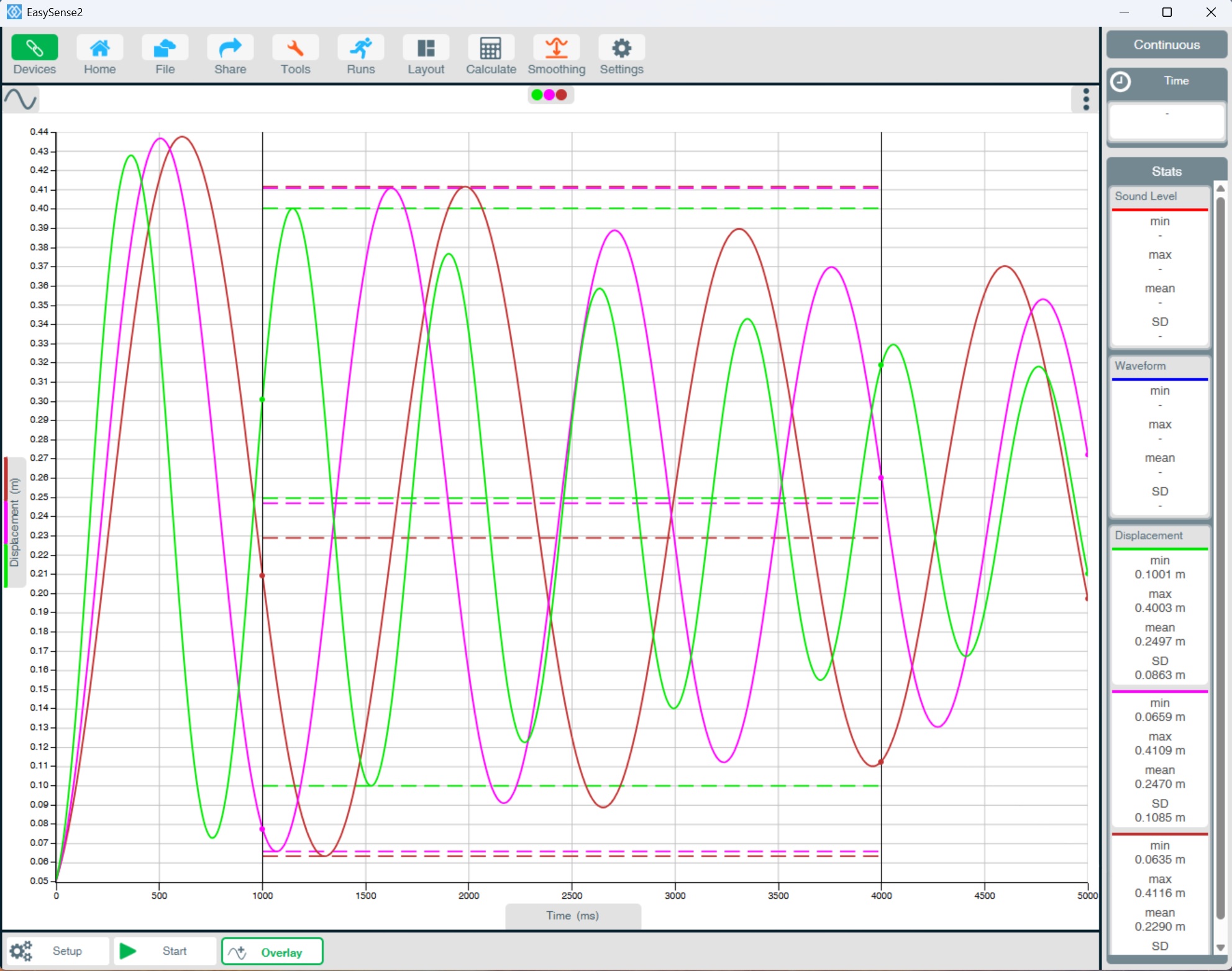
On the bottom bar
Use Setup to define an experiment.
Start and Stop the experiment.
Use Overlay to show successive data runs.