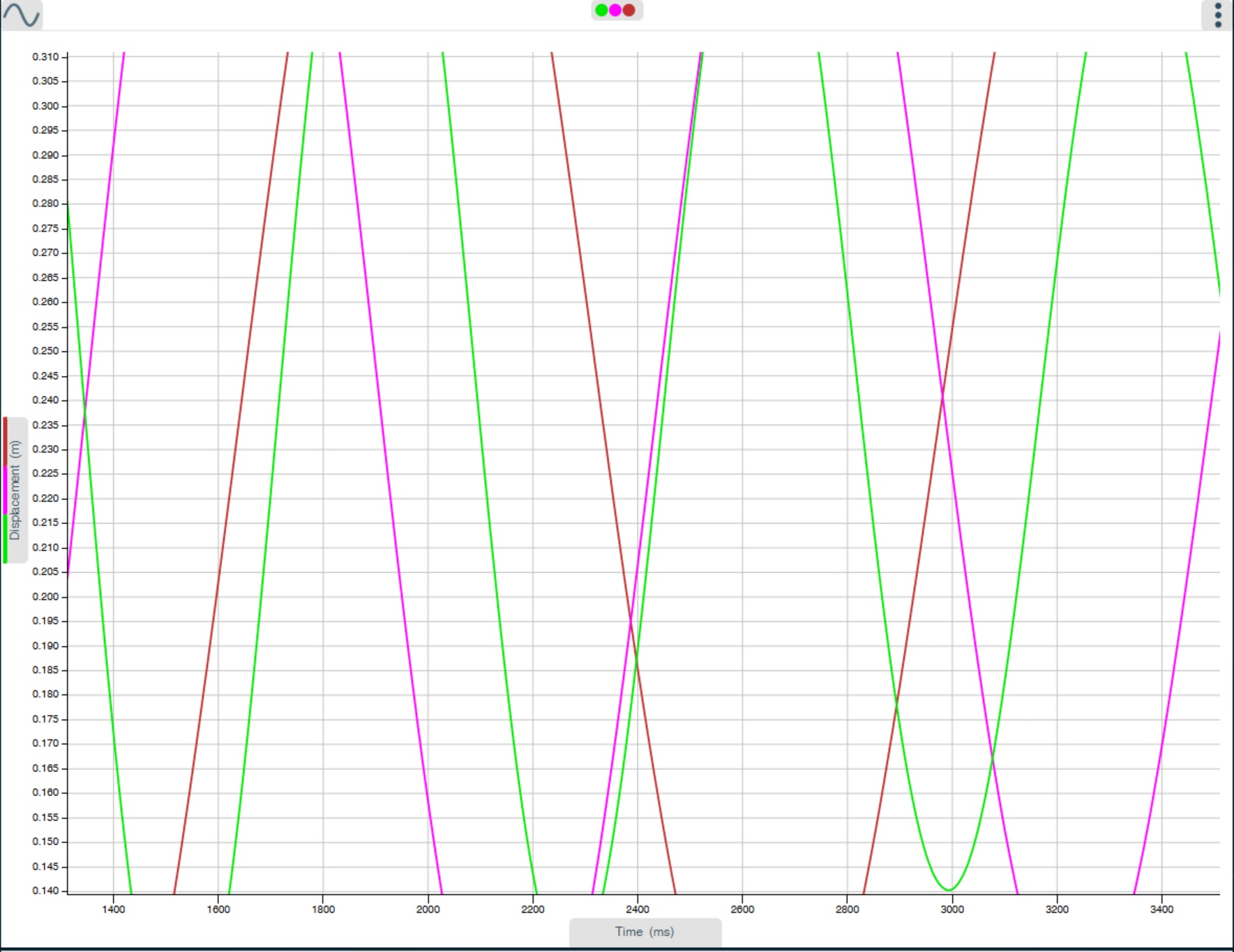
5.2.9 Zoom
An area of the graph can be magnified so that a particular area can be seen in greater detail.
Select Zoom in - position your finger or the mouse pointer at the top corner of the area to be magnified.
Click or tap, hold down and drag the rectangular box over the area to be “magnified”.
Release to show the “magnified” area.
Zoom Out
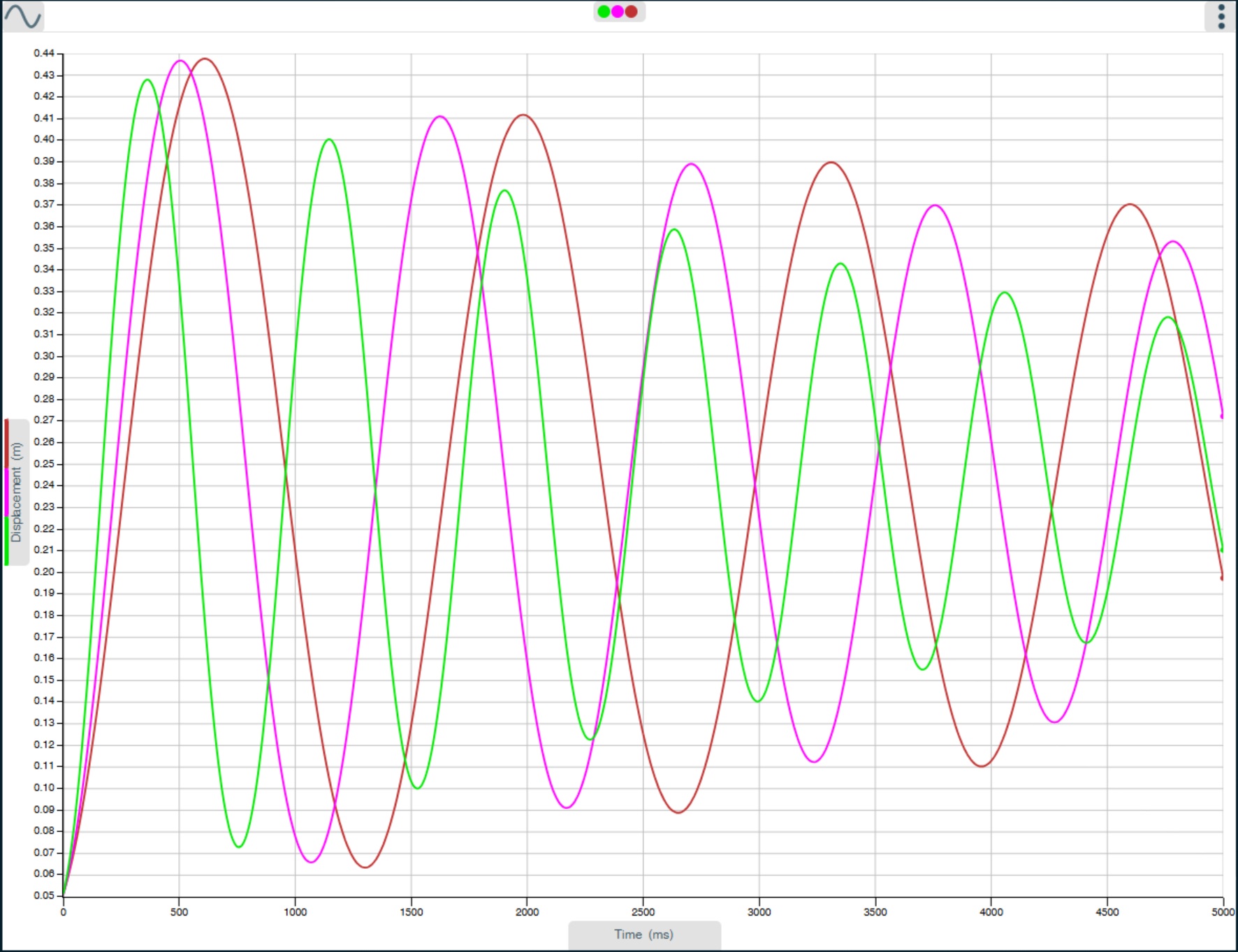
Zoom In