
6.4.9 Exclude Data
This allows the user to exclude data.
To eliminate data, draw a region around the data to exclude and press “- “. To include that data again, follow the process but use the “+” button.
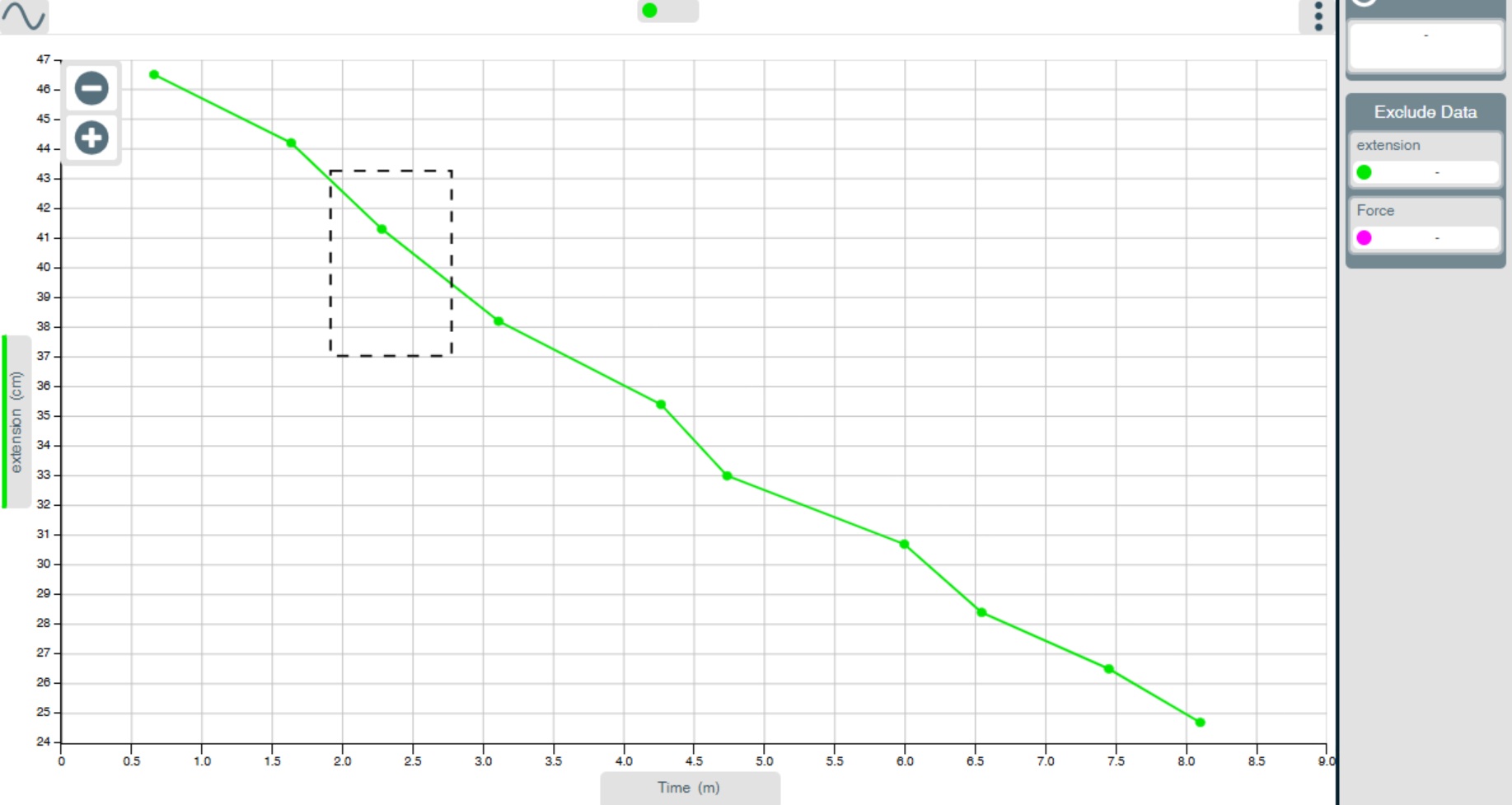
And after selection (-):
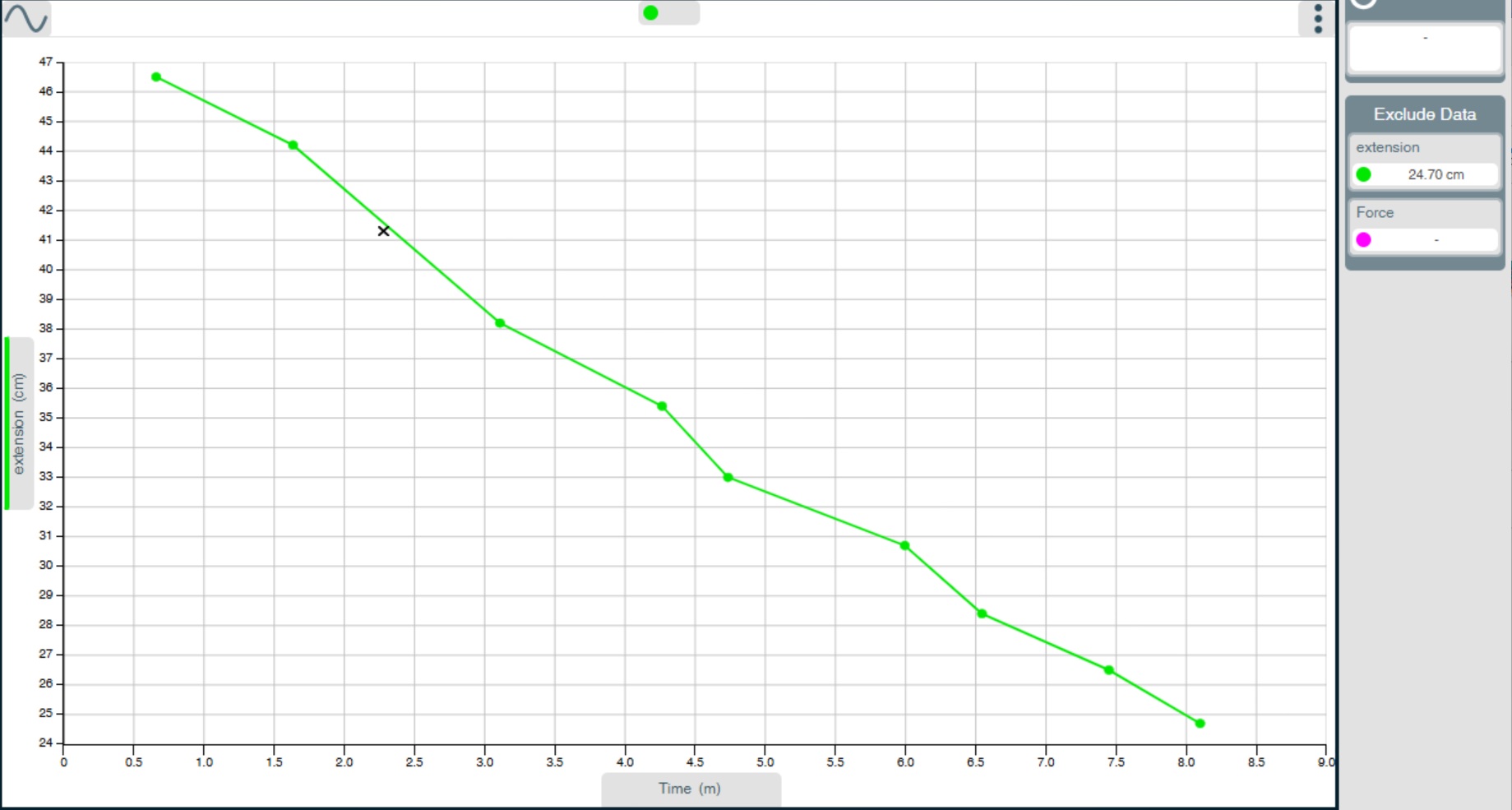
The process can be reversed by using this menu and using the + option in the region selected.