
6.7.1 Re-Defining The Data
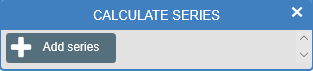
Calculate is used to apply mathematical operations to the data. These can also be applied to data as it is being collected, or after.
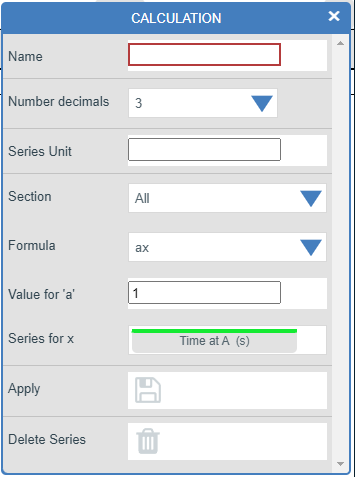
1.Select the Calculate icon from the toolbar.
2.Select Add series.
3.Provide a name for the calculation.
4.Decide how many significant decimal places should be reported.
5.Add the Series Unit that the calculation requires.
6.Section: applies equation set for the formulae listed below.
7.Select an appropriate Formula.
8.Input the variables required for the calculation.
9.Apply the calculation type that is needed.
If you are using a function to be applied to data as it is collected, click on the Start icon. Data will be calculated and displayed in the graph and table as chosen.
a.The data channel(s) list is presented in the order of the connected sensor ports.
b.To remove part of a function set the constants (a or b) value to zero. Multiplying a data set by a constant would require an "ax" function. The function "ax + by" can be altered to "ax" when b is 0.
c.To leave the value of a data set unchanged by a calculation then the value of a or b should be set to 1.
d.Do not confuse “x” with the value you are studying on the X-axis! This variable is linked to a data type from a sensor.