
4.2.2 Snapshot
The graph will open pre-set to show sensor values on demand.
•Select Snapshot as the Mode.
•Manual entry - if selected each time you take a sample a dialog box will appear for you to enter a number, these entries will create a set of data. Enter a name and the units for this data series.
•Select the stop condition (when stop is selected, after a duration, or after a chosen number of samples).
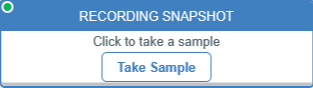
Select ► Start and tap or click on Take Sample.
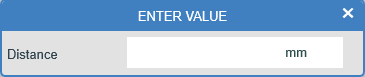
If manual entry was selected the “Enter Value box” will open and input the value and select close.
Please see above notes for the Start conditions listed in Continuous.
Logging will continue until the stop condition is met.
The Start and Stop conditions that pertain to this dialogue follow the same conditions as those defined in the section above.